Archives For 30 November 1999

Networking in CloudStack 3.0 is awesome; the Virtual Router provides many cool features like LoadBalancing, PortForwarding, (s)NAT, DHCP, VPN and so on. When a new network is created and being used, a Virtual Router is automatically launched to support these features. Since the Virtual Router is a Single Point of Failure, you should turn on the HA (High Available) option; which actually addes a 2nd Virtual Router on each network. While this is pretty cool, it makes the number of System VM’s go up and when you don’t need them it’s kind of wasting resources.

For example, when I was creating a network for the web servers to talk privately to the database, I didn’t need a Virtual Router. All I want is them to be able to do networking to each other and that is all. When using the default settings, a Virtual Router is launched anyway.

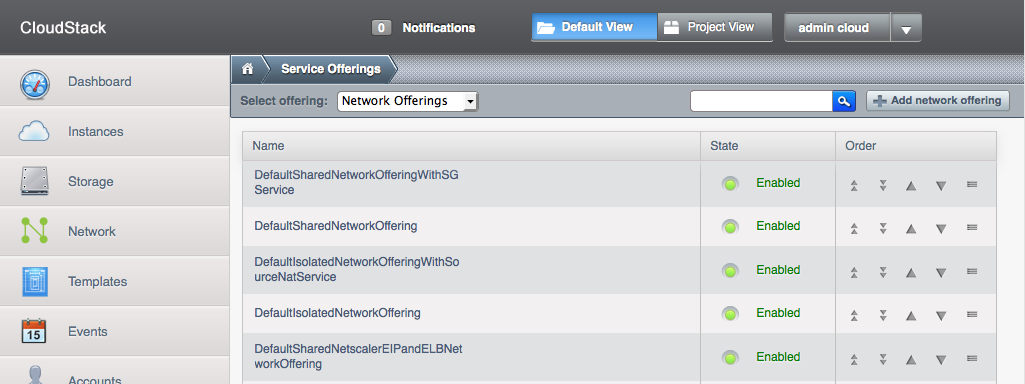
So how to tell CloudStack you don’t need a Virtual Router? Well, this is done through Service Offerings. You find this option on the menu at the left, it’s the last option. Select Network Offerings and a list is displayed.


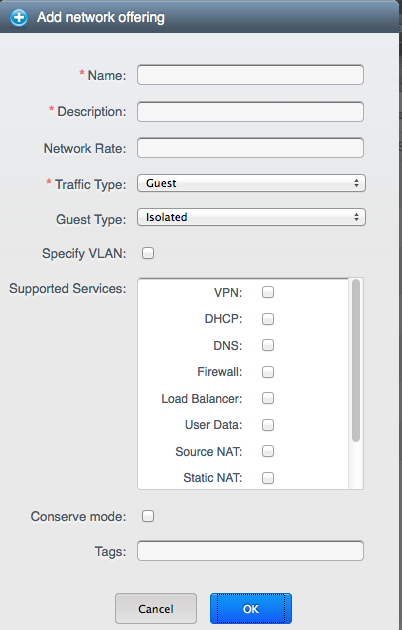
Click Add Network Offering at the right and fill in the form. When you do not select any service, you’ll create a Network Offering for which CloudStack does not spin off Virtual Routers.

Now, when you create a new Guest Network, make sure to select the Network Offering you just created. This will make sure your new Guest network will have no Virtual Router launched when in use 🙂

Update: I’ve written another blog with more details on how to use this network. Also have a look at the comments in both blogs for some examples and idea’s. Feel free to ask me any questions you have below!

Good news today when I came home from the office: CloudStack 3.0 stable has been released! I’d really been looking forward to this, because we’ll be using it in a big cloud project at work. With this release, we can finalize our cloud design and proof-of-concept setup. More about that later.

Thanks to the CloudStack team for this great release! 🙂

For a Cloud project at work, I made some screenshots of CloudStack to show our management. They wanted to know what an end-user will see in CloudStack 3.0. This is CloudStack from an end-user’s point-of-view:

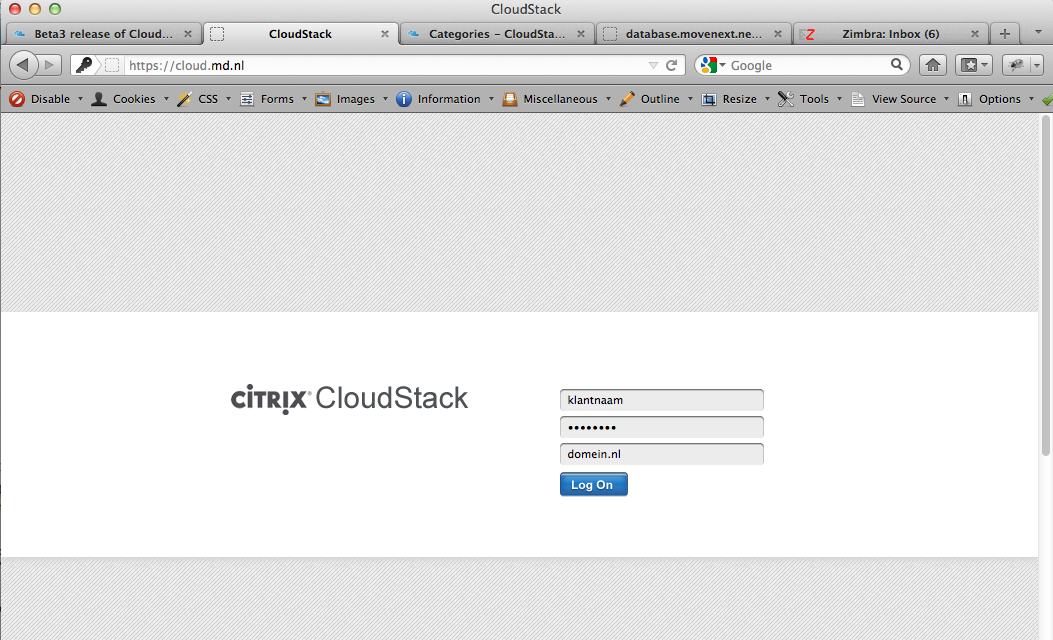
The login screen is where it all starts..

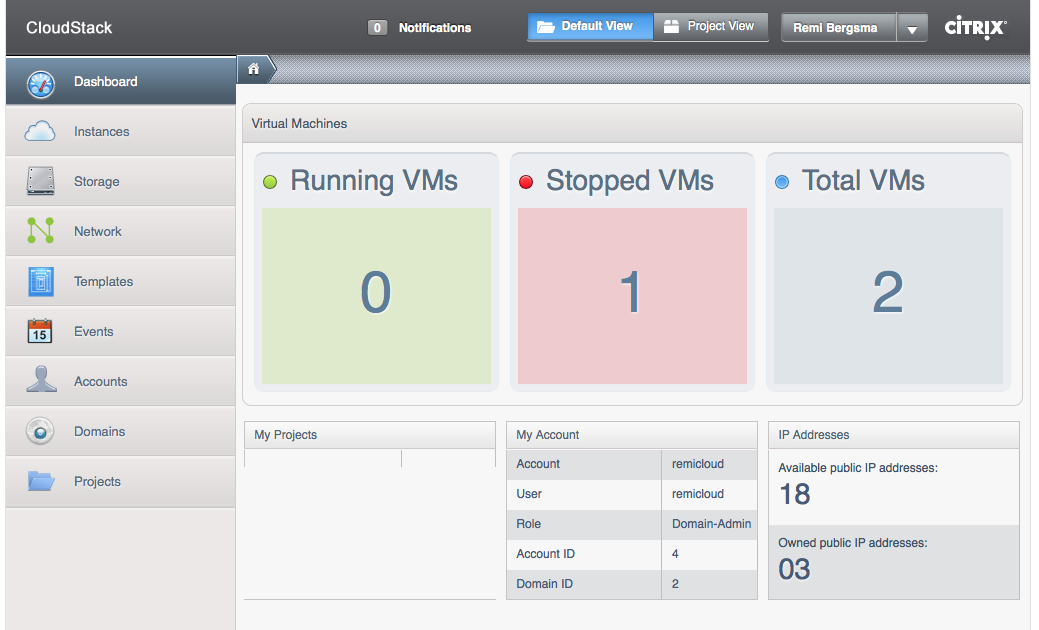
After logging in, users are presented with a Dashboard. Here is a nice and clear overview of what VM’s are running and stopped. As you can see, there is a nice menu at the right.

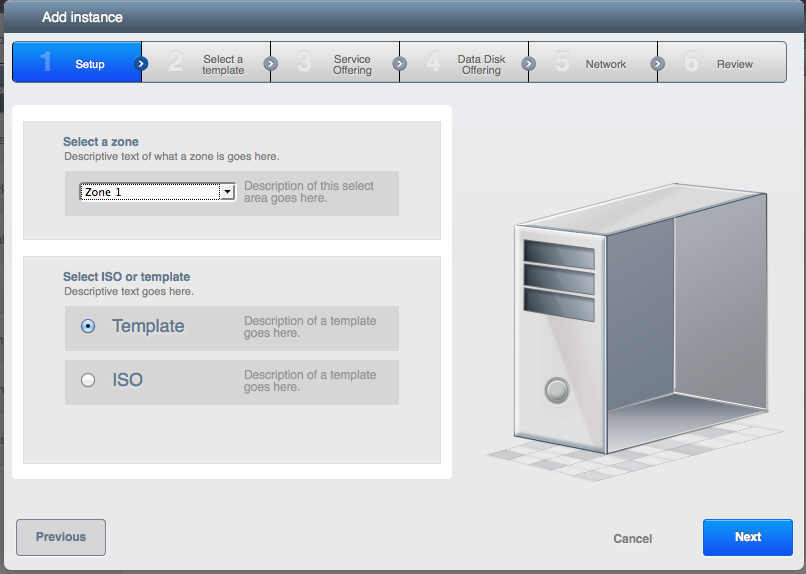
New VM’s can be added to CloudStack using a Wizard. The first step is to choose between a template (which is a pre-made server installation) or an ISO (which is more like booting an installation CD). Here we choose Template.

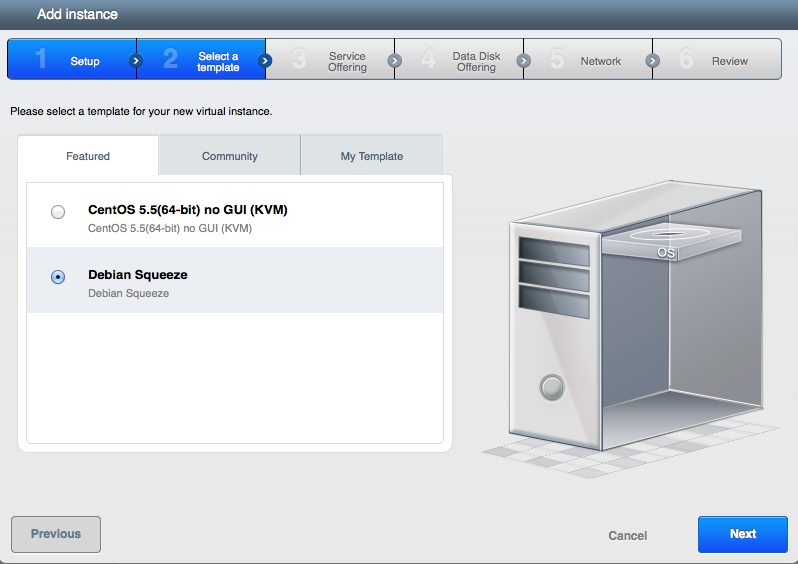
All available templates are presented to the user. We can choose between CentOS and Debian. Of course, any OS can be added as template. We select Debian here.

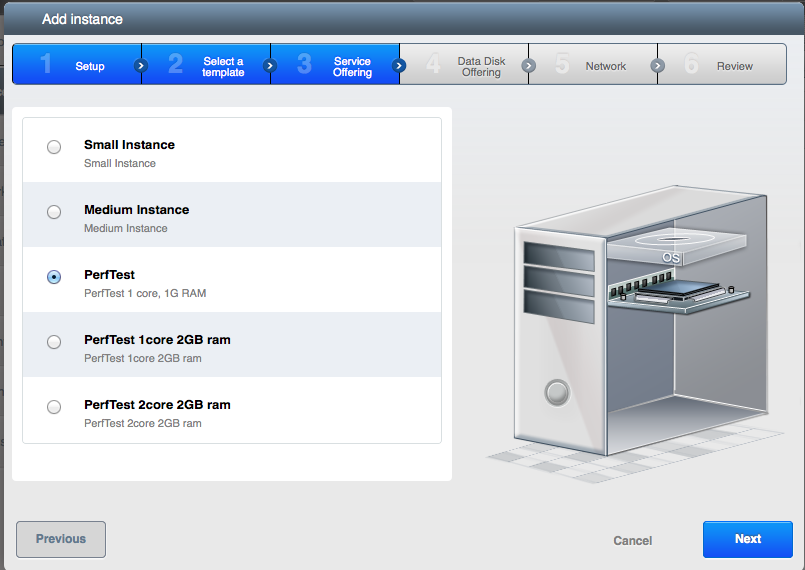
Now that we have selected a template, CloudStack wants to know what CPU and RAM the new VM should have. The user selects one of the pre-set options. It is also possible to present a price on this page, so the user knows what he will be billed for.

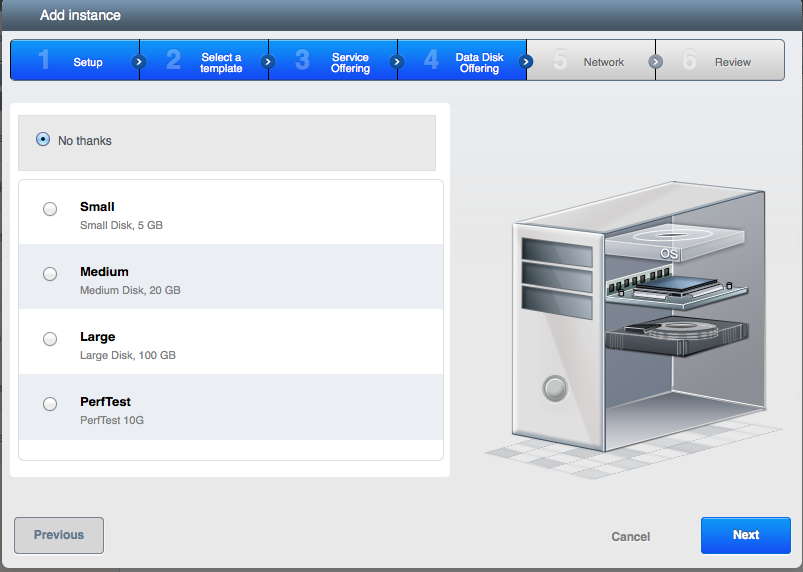
As an optional step, an additional data-disk can be added. This disk can later be detached from this VM, and attached to another. This way data can travel between VM’s.

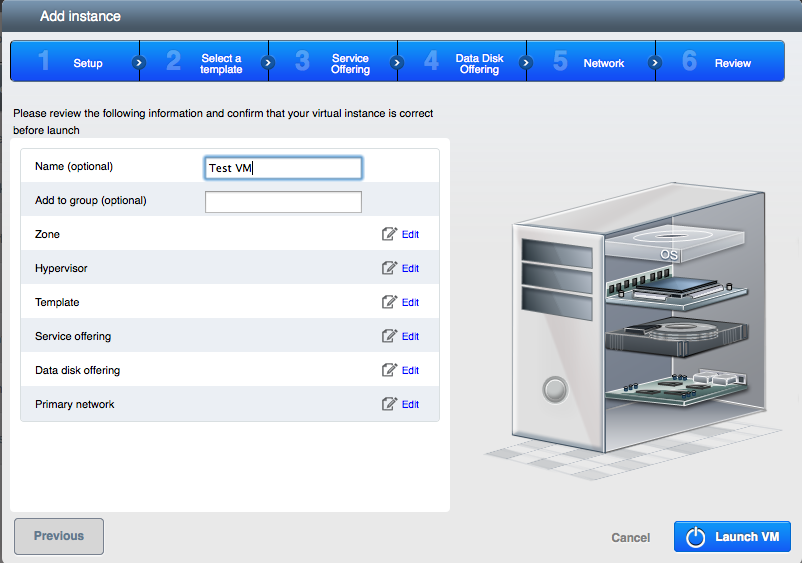
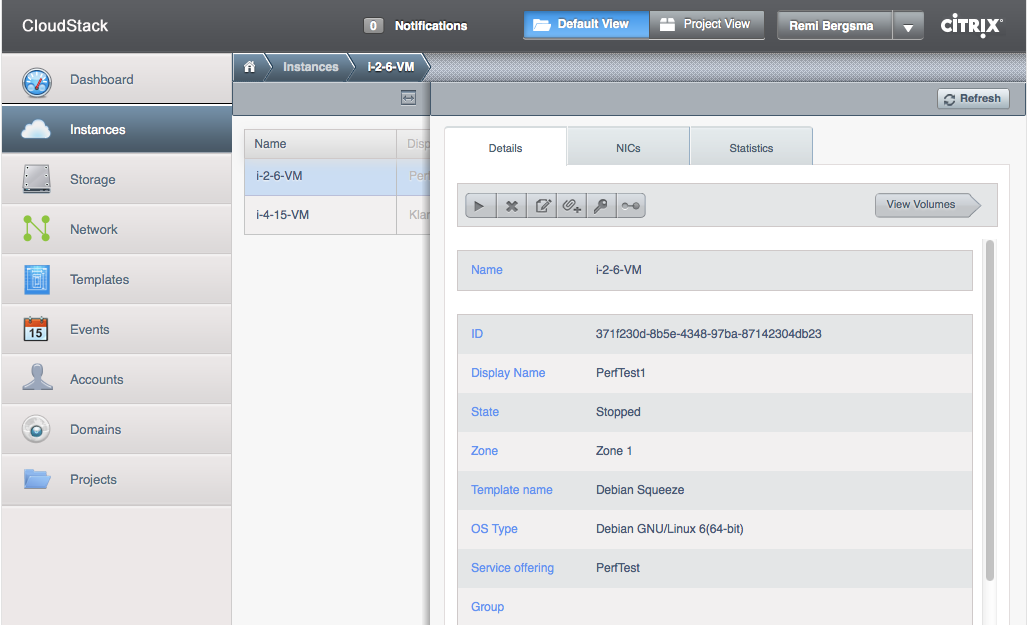
The final step is to give this VM a name and the Launch it! CloudStack will keep you posted about the status. Soon you will receive a message on screen noting the VM is running. In the menu you select Instances (that is what VM’s are called). When you select a given VM, you see a page with all of its settings. Have a look at the screenshot below.

This page shows the details of the VM. Different options are available when the VM is running or stopped etc. When not running, you can upgrade its service offering for example to a more powerful CPU or more RAM. When running, you can connect to the console to manage the VM through that.

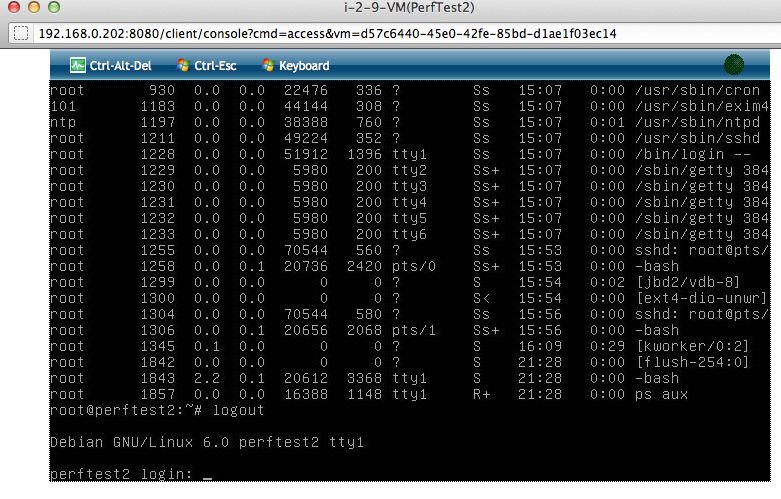
Working on the console (via a browser) looks like this. This is handy when you need to change the network options, or when a VM has a problem. Otherwise, working via a SSH-shell should be easier.

As you can see the CloudStack UI looks pretty nice! Not only is this a great product from a technical point of view, it also has a nice interface for users without a technical background.

CloudStack 3.0 is currently in beta and should be released any time soon.

Update: CloudStack 3.0.0 has been released. The screenshots look almost the same. Two differences:
1. On the login-page you now can choose between English and Japanese language
2. The ‘System’ menu on the left is renamed to ‘Infrastructure’, which indeed is a better name!

For about 6 weeks we’ve been working on finding out if -and how- it’d be possible to create our own cloud. My colleague Pim did a very good job on sorting out all the different software solutions (of course Open Source) and came up with CloudStack as the one we’d definitely to test with. So we did!

We’ve tested both the current stable 2.2 release and the upcoming 3.0 release, which is currently in beta. It took us quite some time to get the right hardware to test with. At first we used Ubuntu as OS but that turned out to be the wrong choice – for now. Ubuntu just isn’t very well supported and CloudStack more or less wants you to use RHEL or one of its free alternatives, like CentOS. We wanted to use Ubuntu at first because we had a lot of Debian experience. Although Google was our friend in helping sorting out differences between Debian-style and RedHat-style (for example in the networking setup). Looking back, moving to CentOS was no problem at all. We even have Kickstart running to be able to do quick unattended installs for the compute nodes. Cool! By the way, this is about the OS on the Compute nodes and Management-server. VM’s can of course be of any kind. In our case they definitely will run Debian.

CloudStack 2.2 works great now, but since we wanted so use some features of 3.0 we decided to give the 3.0 beta’s a go. The main feature 3.0 has, that 2.2 hasn’t, was the ability to move a VM from cluster to cluster (powered down, that is). Also networking has improved in 3.0. Another bonus is the gorgeous UI.

Our biggest hurdle was basically to understand how networking in CloudStack was meant to work. At the time we were testing beta1, the manuals were not complete yet so this proved to be a challenge at times… And – to be honest – we’d also some expectations of how we thought it’d work, that later on proved to be wrong. So we spend quite some time in playing with CloudStack, finding out how exactly it works, debug whenever something went wrong, etc. We listed the questions we had and in many occasions the CloudStack community was of great help. The good thing was that of all the the things we didn’t understand of that didn’t work, we were able to find a resolution to. Either we just had configured something wrong, or we found a bug (which was ok for a beta). It all looks very promising!

At the moment we’re testing beta3 and it has A LOT of improvements, both in UI, docs and functionality. Great job!

We went to Antwerp to visit “Build an Open Source Cloud Day“. There we learned a lot, and were able to talk to some experts on the subject. This helped us, back at the office, to start from scratch and setup CloudStack the right way (for us). Now we could really start experimenting! We’ve both setup a Basic and a Advanced zone to see what suites us most.

We’ve some performance testing to do, and make a decision about the storage we’ll be using. More about that in a later post.

Currently we’re finalizing designing our cloud and we’re pretty sure CloudStack will power it! By the end of the month 3.0 GA release will be there and then we’ll be able to build our cloud in production in march / april. Really looking forward to that!

I’ll keep you guys posted 🙂

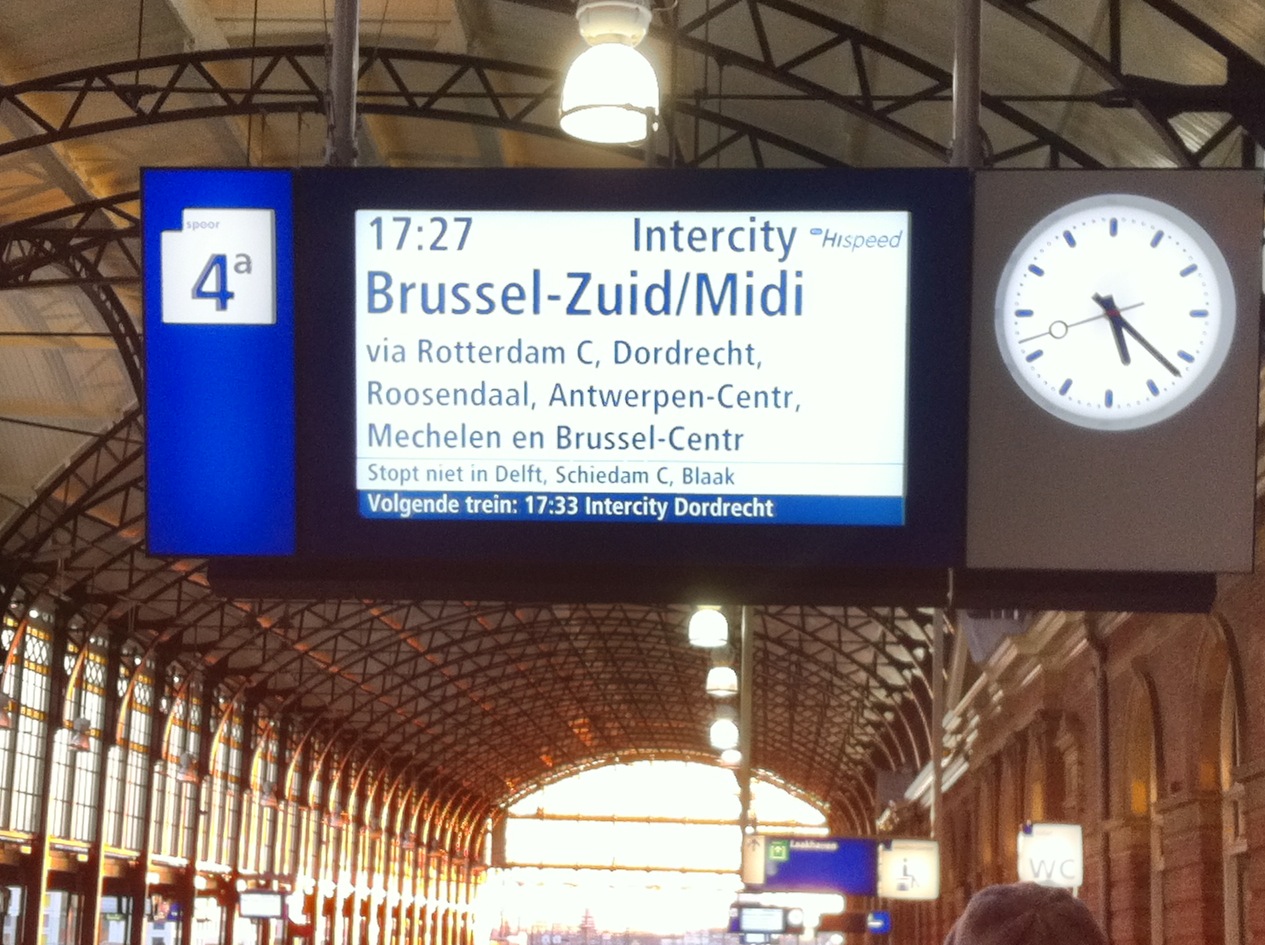
Goint to Antwerp by train

Going to Antwerp by train

Thursday February 2nd me and colleague Pim went to Antwerp by train to attend “Build an Open Source Cloud-Day, hosted by INUITS the following day.

The programme looked promising and I really looked forward to meeting David Nalley and Mark Hinkle from Citrix’ CloudStack. The last months we kept an eye on  CloudStack: tested their current 2.2 release, and the 3.0 beta’s. Although we had CloudStack more or less up and running, there were still many questions to ask and many things to learn. This was a perfect opportunity for that.

Dinner at Brasserie Appelmans

Dinner at Brasserie Appelmans

But that would follow the next day. So we first decided to have some dinner in Antwerp. A friend of mine suggested Brasserie Appelmans and that really was a good suggestion! Service was friendly and nice also. 🙂

Back in the hotel wifi wasn’t working. The reception didn’t know why (only got a link-local ip so probably DHCP problem). With some guessing and trying managed to get it to work. Assign yourself an ip in the 192.168.0/24 range, .1 as gw and you’ll be good to go 😉
Crash Course on Open Source Cloud Computing

Crash Course on Open Source Cloud Computing

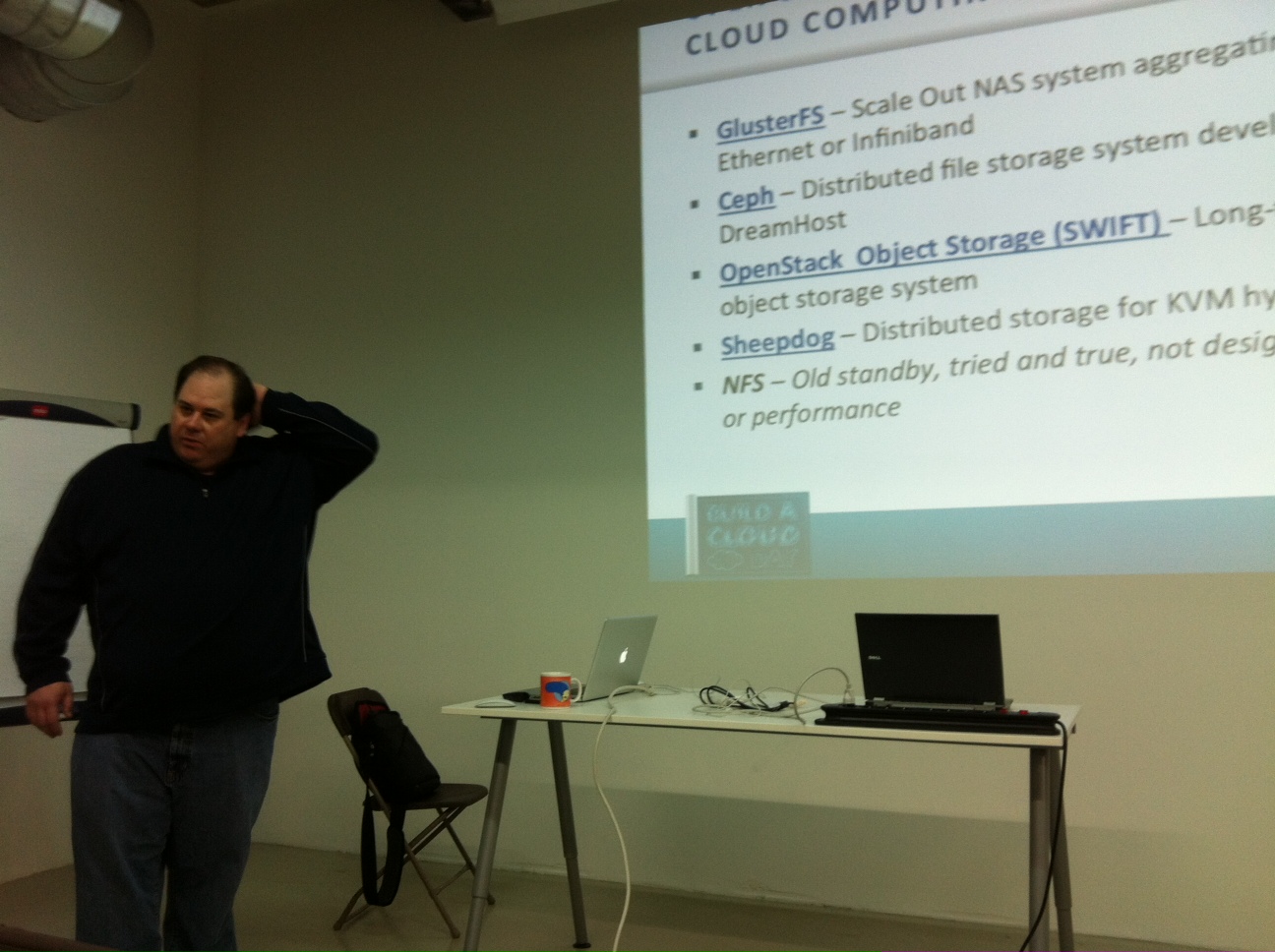
The following morning we went to the “Build an OpenSource Cloud“-event. Mark Hinkle kicked off with an interesting “Crash Course on Open Source Cloud Computing“. He showed us what a cloud really is, what OpenSource tools are available and what makes a cloud scalable. Scale up (add more compute nodes) and scale out (using loadbalancing). Mark talked about PaaS and IaaS, and listed associated Open Soure software solutions. I found it really interesting and refreshing to kick-off with such a broad overview of Cloud Computing!
Xen Cloud Platform

Xen Cloud Platform

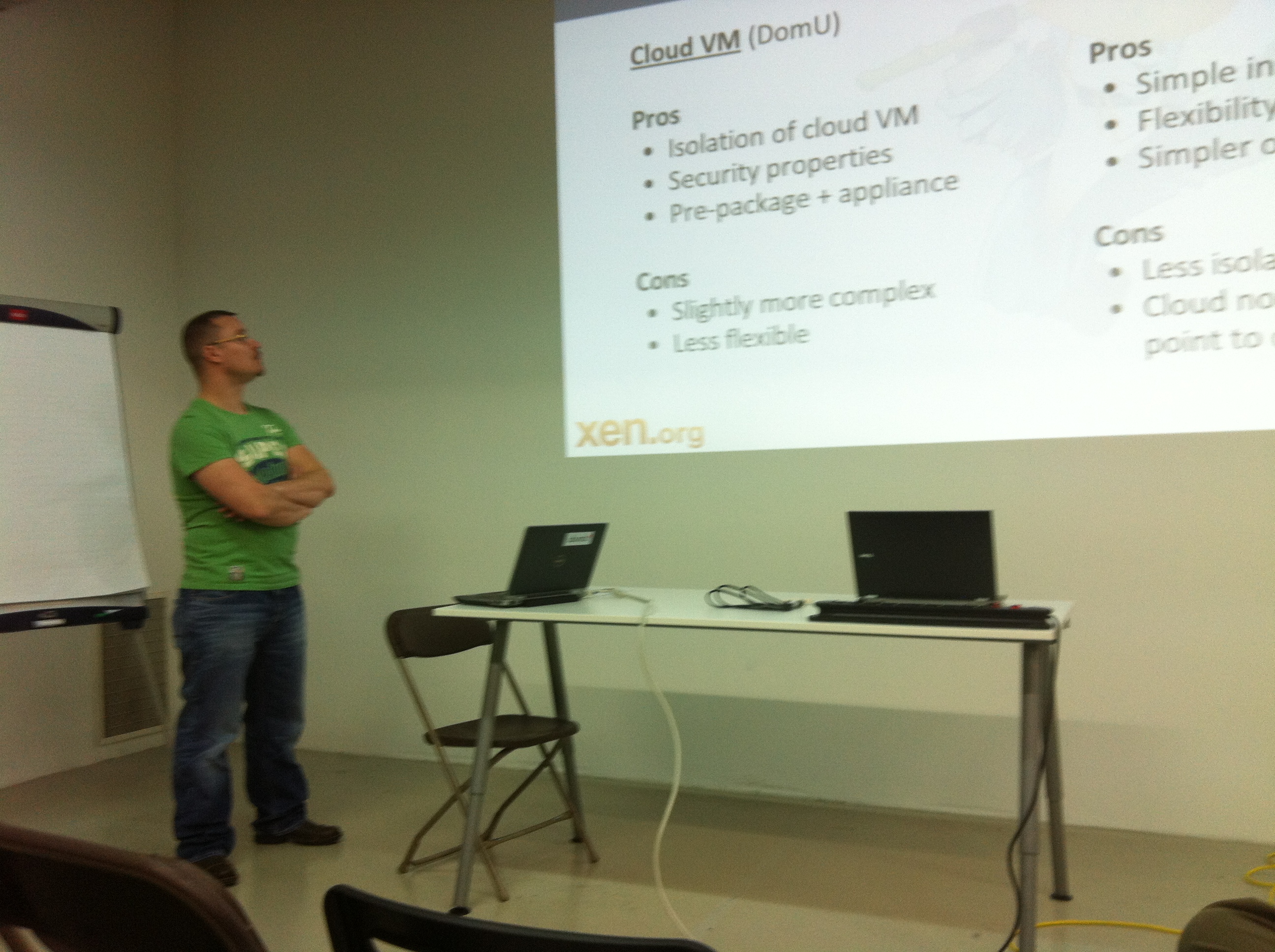
Next, Lars Kurth told us all about Xen, Xen Cloud Platform and Citrix XenServer. A lot of hard work has been done in getting Xen into the Linux Kernel and in building Citrix XenServer from the OpenSource code, although a lot of work still needs to be done.

Both Citrix XenServer (the commercial supported version) and Xen Cloud Platform are supported by CoudStack and integrate nicely.
Build Your Cloud -CloudStack

Build Your Cloud -CloudStack

Lunch time!  Wow – we’ve had a really tasty lunch 🙂 During lunch I had the opportunity to chat with David Nalley and Mark Hinkle about CloudStack and our experience with it so far. They kindly answered all of our questions and had some nice suggestions, too. It gave me the feeling CloudStack is the best choice for us. A good product and nice and friendly people behind it. Great! I’ll write in some more detail about CloudStack and our progress with the project in a later post. After lunch, David presented and demo’ed both the current and upcoming CloudStack release. Good news: CloudStack 3.0 release is targeted at the end of the month 🙂
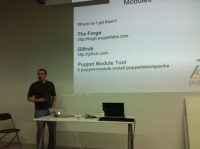
Automatic Configuration of Your Cloud with Puppet

Automatic Configuration of Your Cloud with Puppet

I’ve to be honest – the main reason to come was CloudStack and meeting up with David and Mark. But the other presentations added up a nice broad overview and even changed the way I look at building our Cloud. So that’s cool!

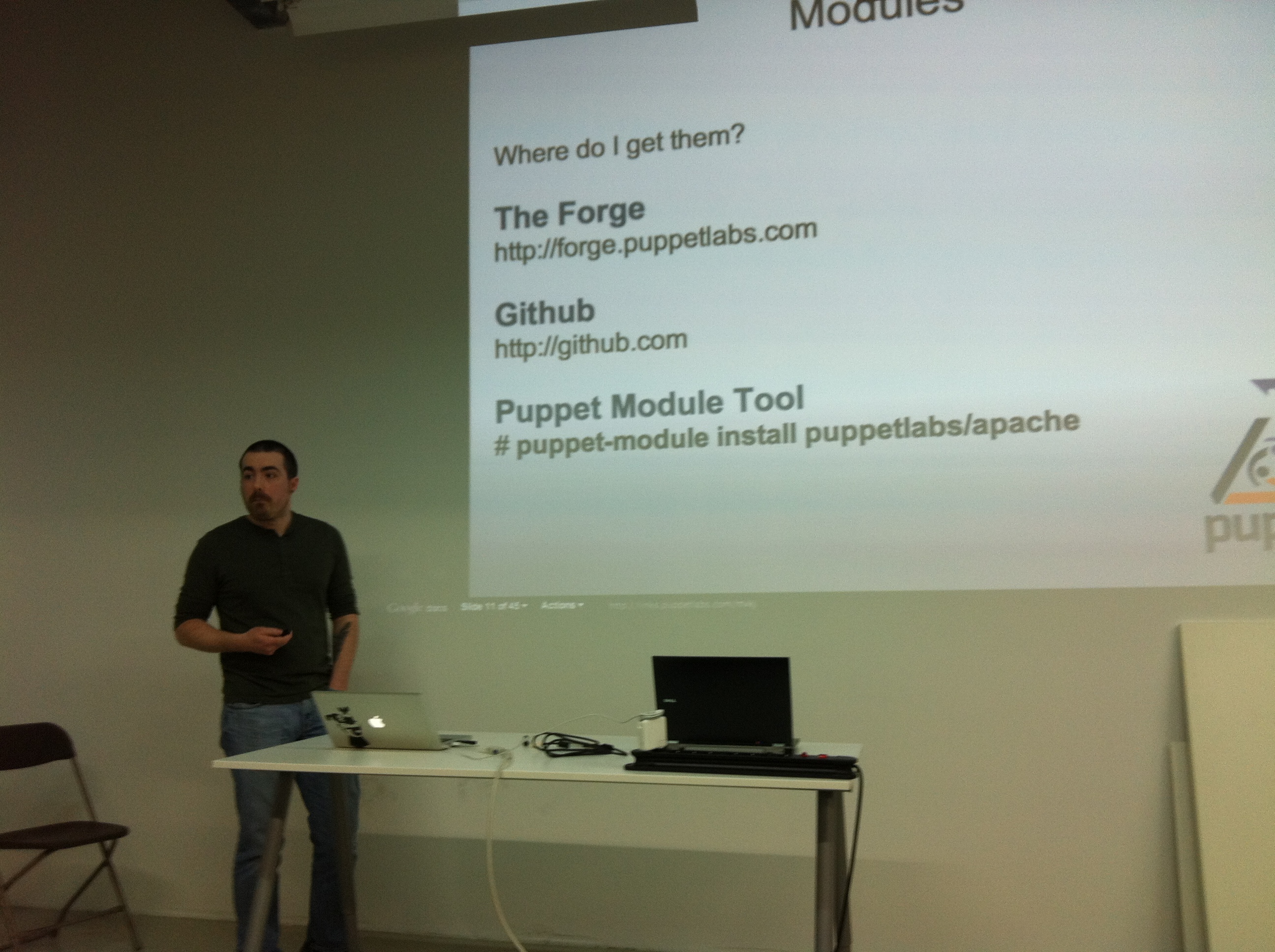
Carl Caum really impressed me with his Puppet presentation. He’s a pretty good presenter and came with solutions to problems that many sysadmin’s have: there’s a limit in how many servers you can manage by hand. Of course with some smart automation this number will go up, but it just isn’t scalable. And worse, the systems then aren’t always the same which may lead to unexpected trouble. Puppet is a system for automating system administration tasks that makes our life easier!

Puppet overview

Puppet overview

This is how it works: from a central location – Puppetmasterd – configuration of groups of servers is managed. Want to change a file, package or setting? Do it once, Puppet makes it happen, and makes sure it is always in that given state. So, you tell Puppet “what” you want, not “how”. It’s pretty cool stuff that I’ll look into in the coming weeks.

The presentations made me realize administering servers (VM’s) in the Cloud is very different compared to traditional sysadmin work. No longer you must think of servers as something that stays there all the time. VM’s should be spinned-off when needed and destroyed when no longer needed. For this to work, configuration and user-data must be separated from the VM itself. The loadbalancer has the public ip and decides how many VM’s are needed to handle the load. Via API calls it can deploy new VM’s. The VM therefore should be easy to re-deploy. Puppet & CloudStack together can do that! Now, that is true scaling-out.

David Nalley also presented some slides about Zenoss CoreMonitoring the Cloud with Zenoss Core“. There are three really cool things about it:

  1. it integrates nicely with CloudStack
  2. it has an API (whoohoo! Monitoring system with an API!)
  3. it is compatible with Nagios-plugins, so previous work in that area can be re-used.

To me, it seems this is gonna be our new monitoring system 🙂
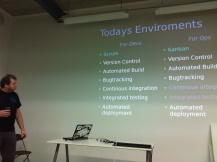
Devops the Future is Here

Devops the Future is Here

The final presentation was by Kris Buytaert from INUITS.

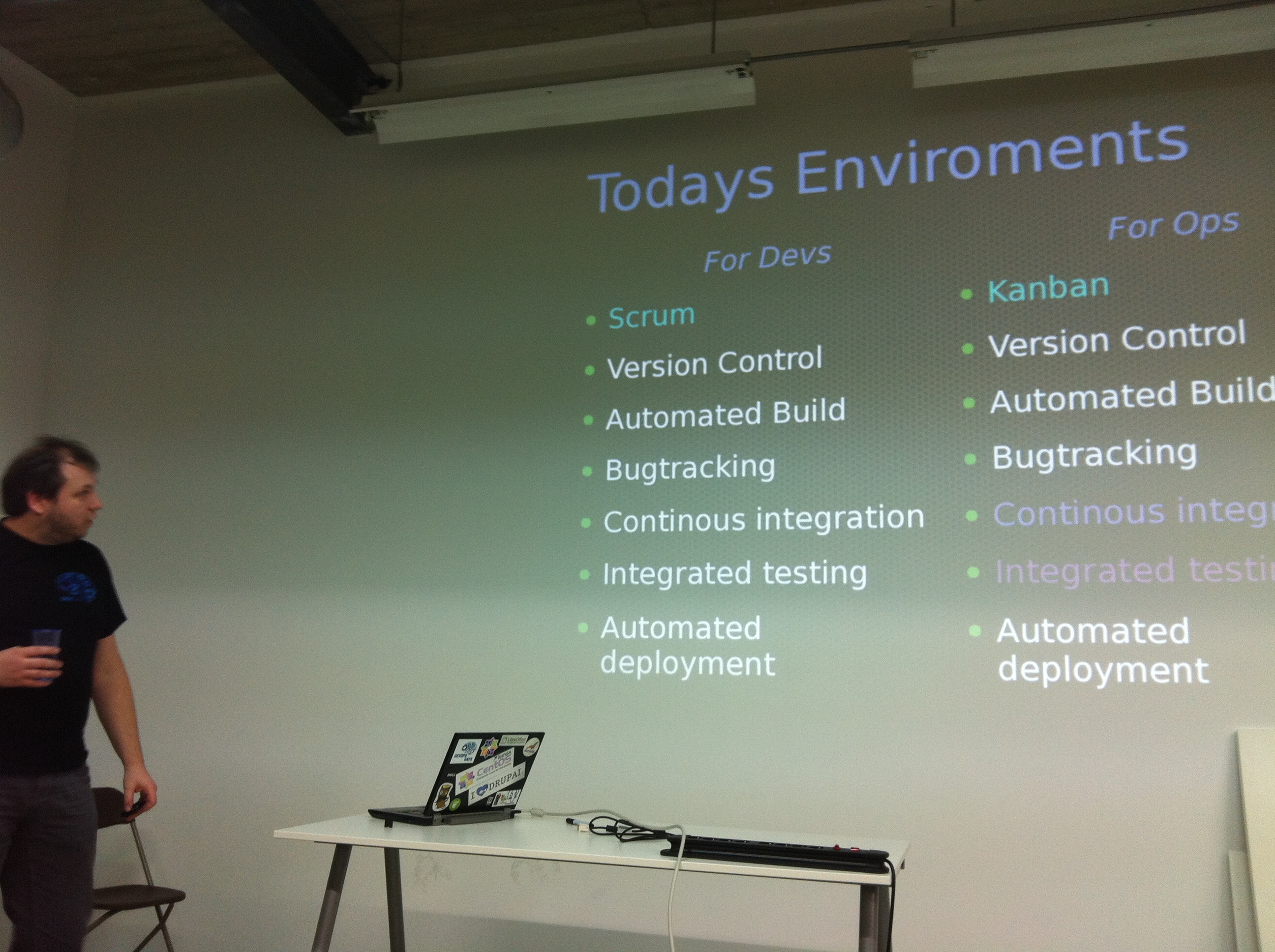
Kris had a really interesting talk about Devs (software development) and Ops (IT-Operations) and how the two should start working together. “DevOps” is an emerging set of principles, methods and practices for communication, collaboration and integration between the two.

Look here for all the details!

Snow in Antwerp

Snow in Antwerp

When we came outside there was a nice little surprise for us there.. All of Antwerp had become white! That was some sort of a challenge to get back to The Netherlands, since many trains were delayed or cancelled.

After having a nice dinner at Antwerp we managed to get a train and only 4 hours later we were home 😉

It was an inspiring day and I’ve learned a lot. It motivates me to get our CloudStack cloud ready and implement it the way a Cloud is meant to be.

Thanks guys!