


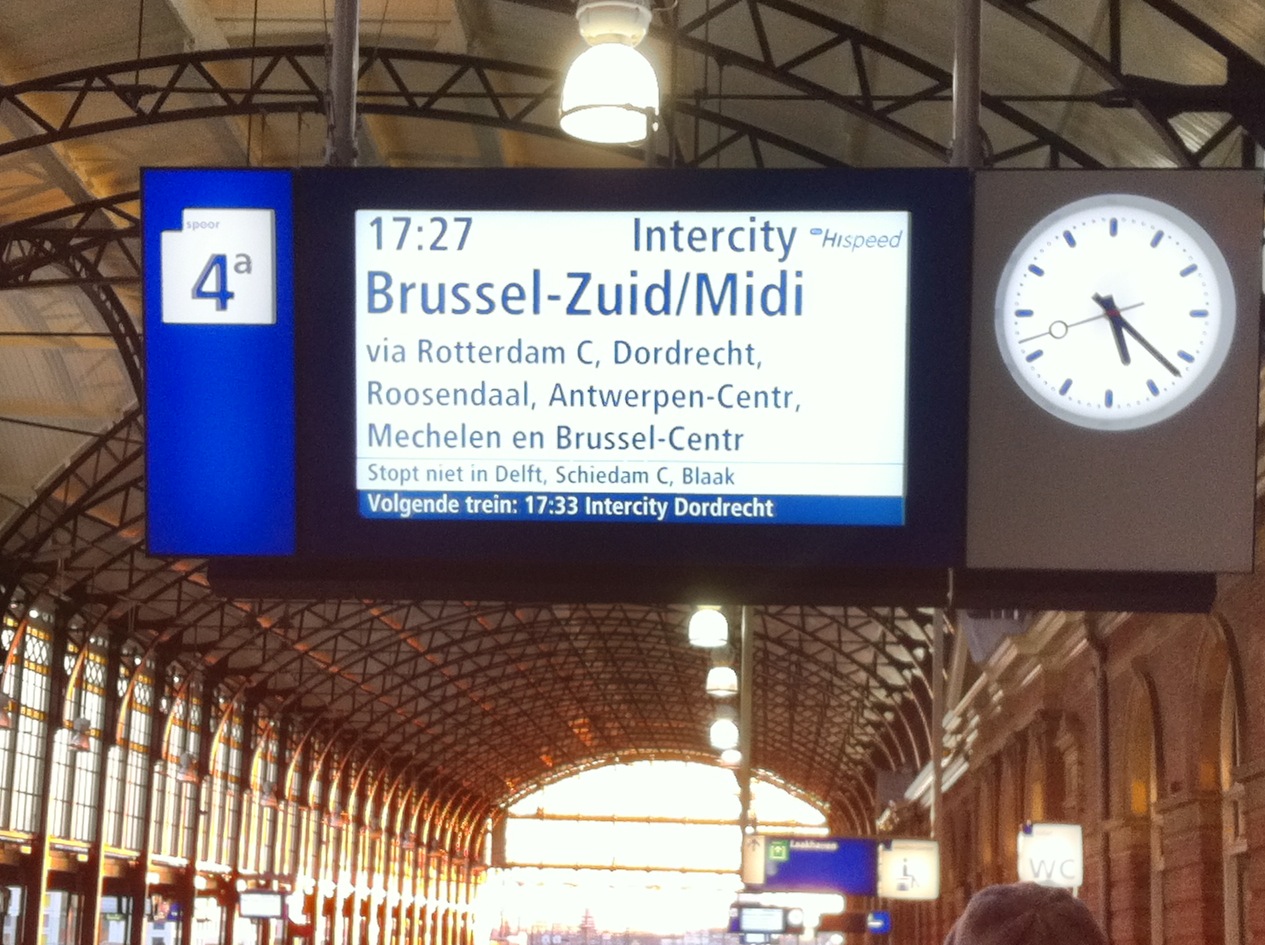
Going to Antwerp by train
Thursday February 2nd me and colleague Pim went to Antwerp by train to attend “Build an Open Source Cloud“-Day, hosted by INUITS the following day.
The programme looked promising and I really looked forward to meeting David Nalley and Mark Hinkle from Citrix’ CloudStack. The last months we kept an eye on CloudStack: tested their current 2.2 release, and the 3.0 beta’s. Although we had CloudStack more or less up and running, there were still many questions to ask and many things to learn. This was a perfect opportunity for that.
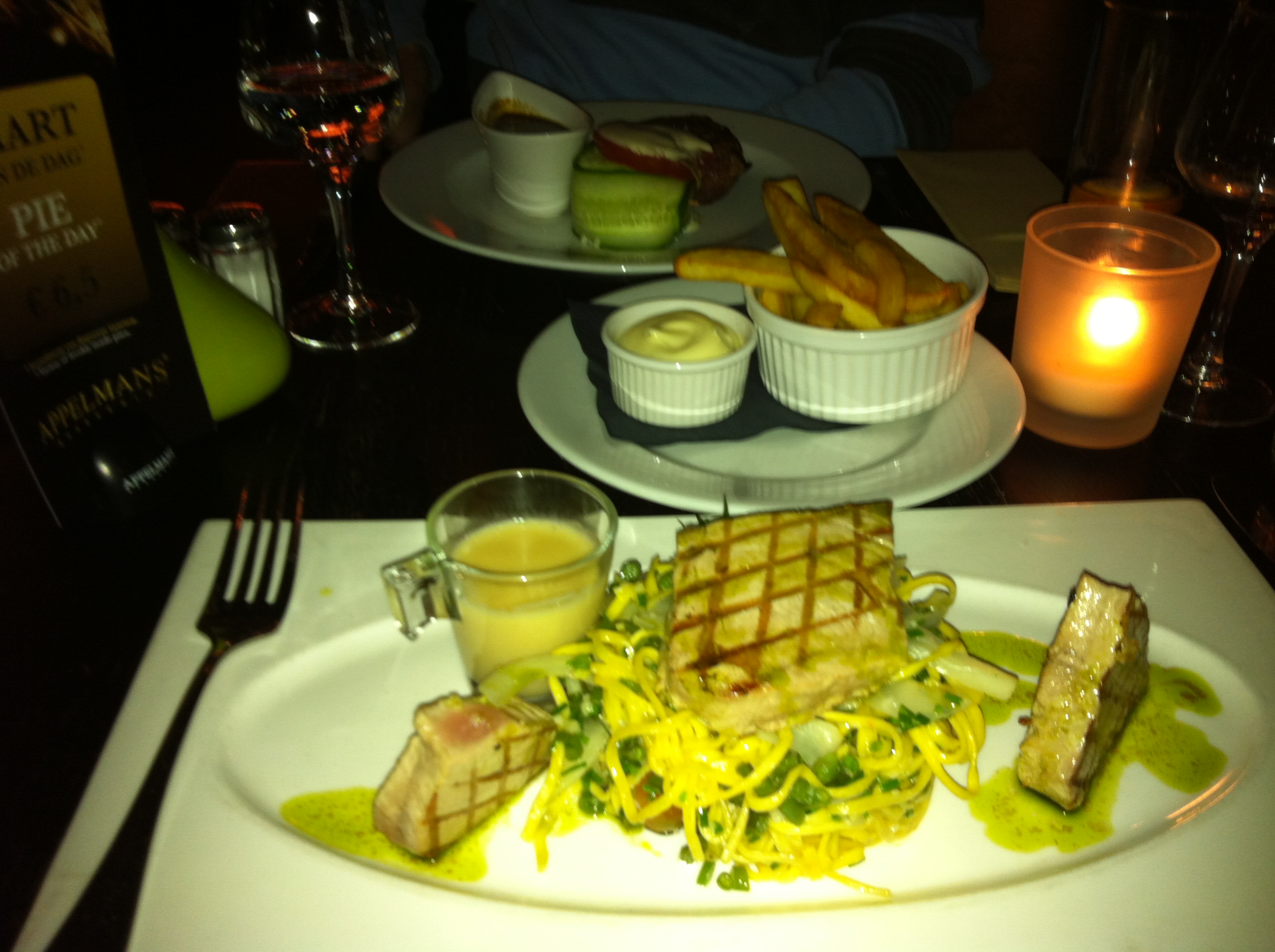
Dinner at Brasserie Appelmans
But that would follow the next day. So we first decided to have some dinner in Antwerp. A friend of mine suggested Brasserie Appelmans and that really was a good suggestion! Service was friendly and nice also. 🙂
Back in the hotel wifi wasn’t working. The reception didn’t know why (only got a link-local ip so probably DHCP problem). With some guessing and trying managed to get it to work. Assign yourself an ip in the 192.168.0/24 range, .1 as gw and you’ll be good to go 😉
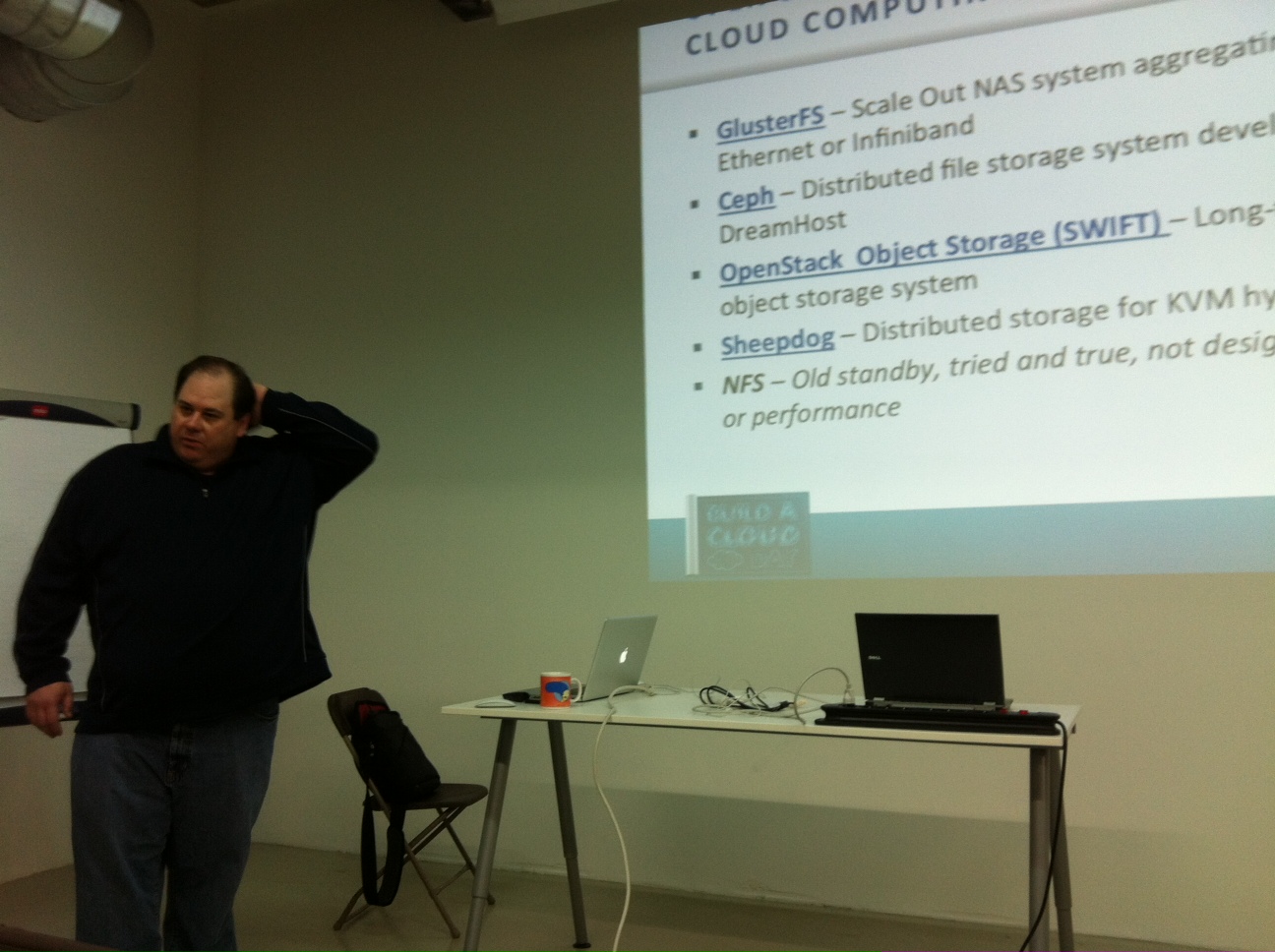
Crash Course on Open Source Cloud Computing
The following morning we went to the “Build an OpenSource Cloud“-event. Mark Hinkle kicked off with an interesting “Crash Course on Open Source Cloud Computing“. He showed us what a cloud really is, what OpenSource tools are available and what makes a cloud scalable. Scale up (add more compute nodes) and scale out (using loadbalancing). Mark talked about PaaS and IaaS, and listed associated Open Soure software solutions. I found it really interesting and refreshing to kick-off with such a broad overview of Cloud Computing!
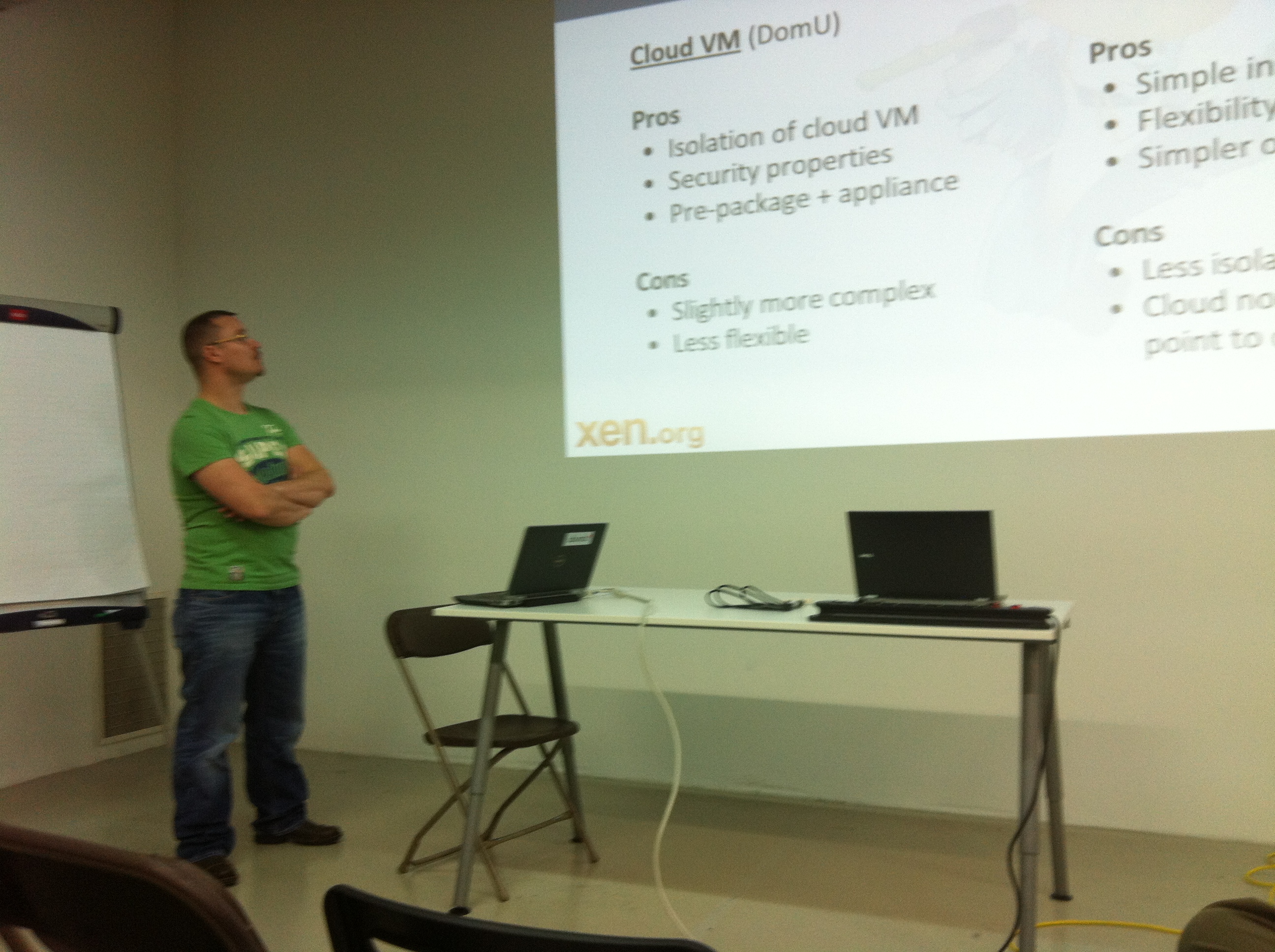
Xen Cloud Platform
Next, Lars Kurth told us all about Xen, Xen Cloud Platform and Citrix XenServer. A lot of hard work has been done in getting Xen into the Linux Kernel and in building Citrix XenServer from the OpenSource code, although a lot of work still needs to be done.
Both Citrix XenServer (the commercial supported version) and Xen Cloud Platform are supported by CoudStack and integrate nicely.
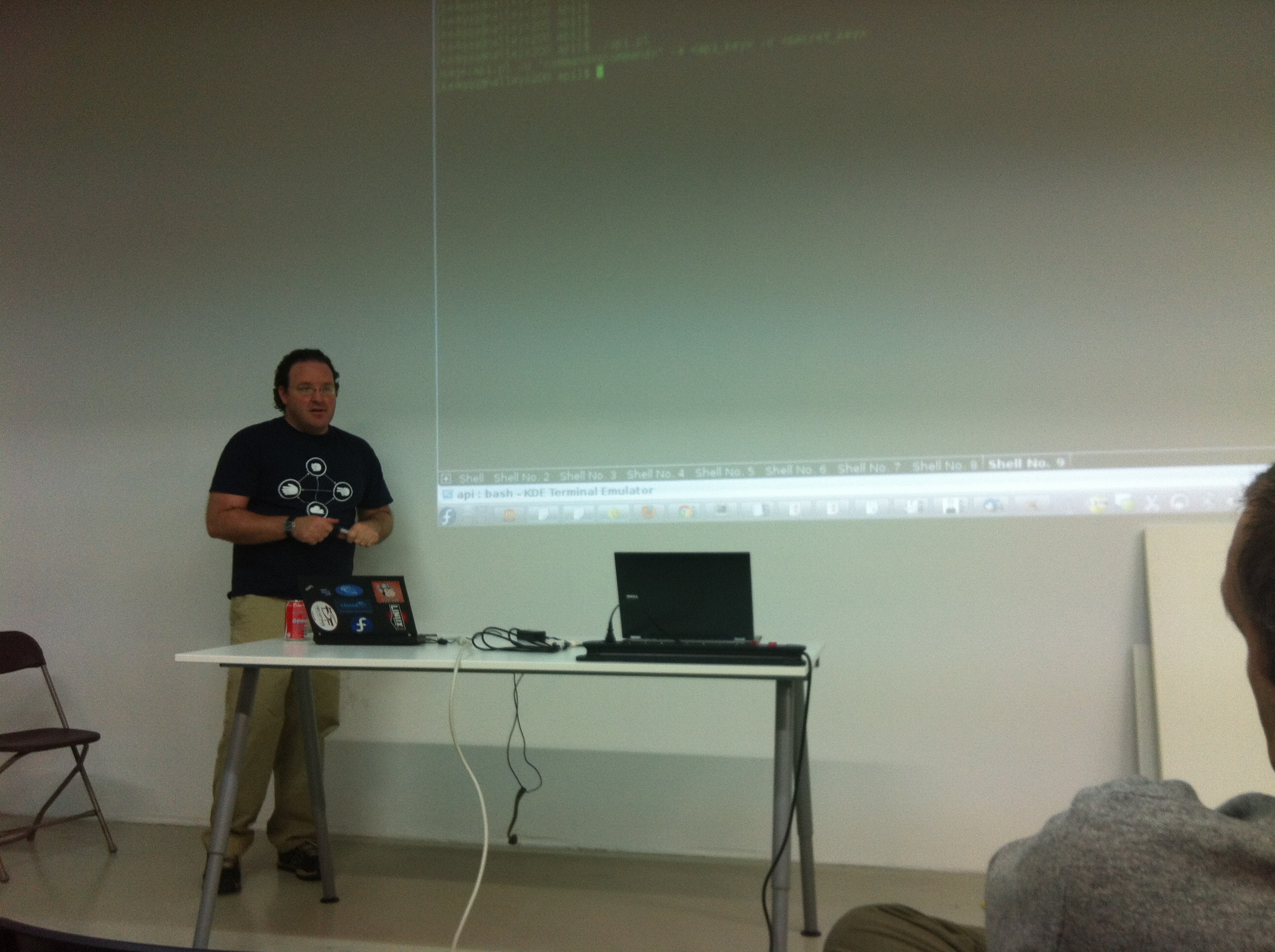
Build Your Cloud -CloudStack
Lunch time! Wow – we’ve had a really tasty lunch 🙂 During lunch I had the opportunity to chat with David Nalley and Mark Hinkle about CloudStack and our experience with it so far. They kindly answered all of our questions and had some nice suggestions, too. It gave me the feeling CloudStack is the best choice for us. A good product and nice and friendly people behind it. Great! I’ll write in some more detail about CloudStack and our progress with the project in a later post. After lunch, David presented and demo’ed both the current and upcoming CloudStack release. Good news: CloudStack 3.0 release is targeted at the end of the month 🙂
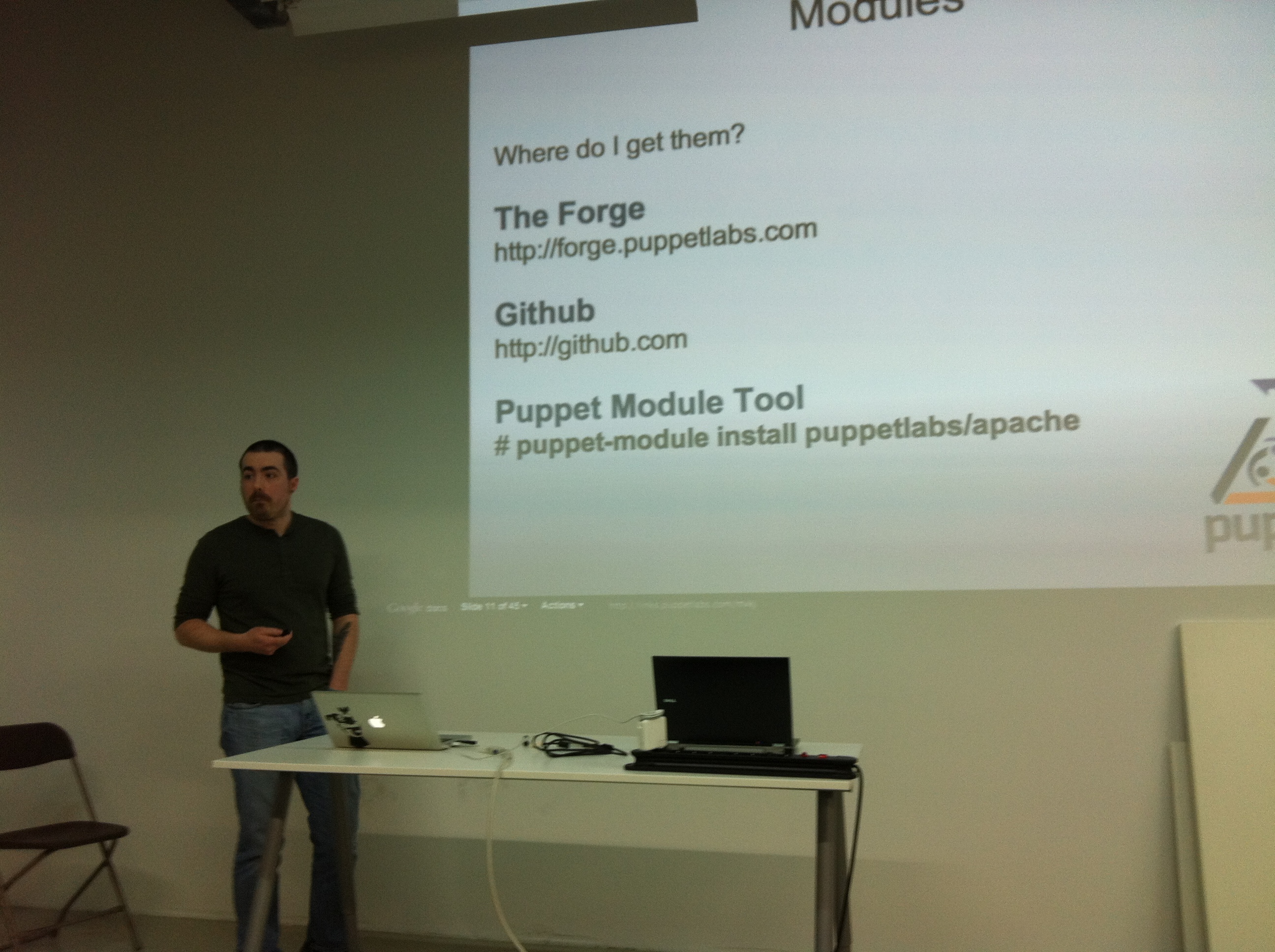
Automatic Configuration of Your Cloud with Puppet
I’ve to be honest – the main reason to come was CloudStack and meeting up with David and Mark. But the other presentations added up a nice broad overview and even changed the way I look at building our Cloud. So that’s cool!
Carl Caum really impressed me with his Puppet presentation. He’s a pretty good presenter and came with solutions to problems that many sysadmin’s have: there’s a limit in how many servers you can manage by hand. Of course with some smart automation this number will go up, but it just isn’t scalable. And worse, the systems then aren’t always the same which may lead to unexpected trouble. Puppet is a system for automating system administration tasks that makes our life easier!

Puppet overview
This is how it works: from a central location – Puppetmasterd – configuration of groups of servers is managed. Want to change a file, package or setting? Do it once, Puppet makes it happen, and makes sure it is always in that given state. So, you tell Puppet “what” you want, not “how”. It’s pretty cool stuff that I’ll look into in the coming weeks.
The presentations made me realize administering servers (VM’s) in the Cloud is very different compared to traditional sysadmin work. No longer you must think of servers as something that stays there all the time. VM’s should be spinned-off when needed and destroyed when no longer needed. For this to work, configuration and user-data must be separated from the VM itself. The loadbalancer has the public ip and decides how many VM’s are needed to handle the load. Via API calls it can deploy new VM’s. The VM therefore should be easy to re-deploy. Puppet & CloudStack together can do that! Now, that is true scaling-out.
David Nalley also presented some slides about Zenoss Core “Monitoring the Cloud with Zenoss Core“. There are three really cool things about it:
- it integrates nicely with CloudStack
- it has an API (whoohoo! Monitoring system with an API!)
- it is compatible with Nagios-plugins, so previous work in that area can be re-used.
To me, it seems this is gonna be our new monitoring system 🙂
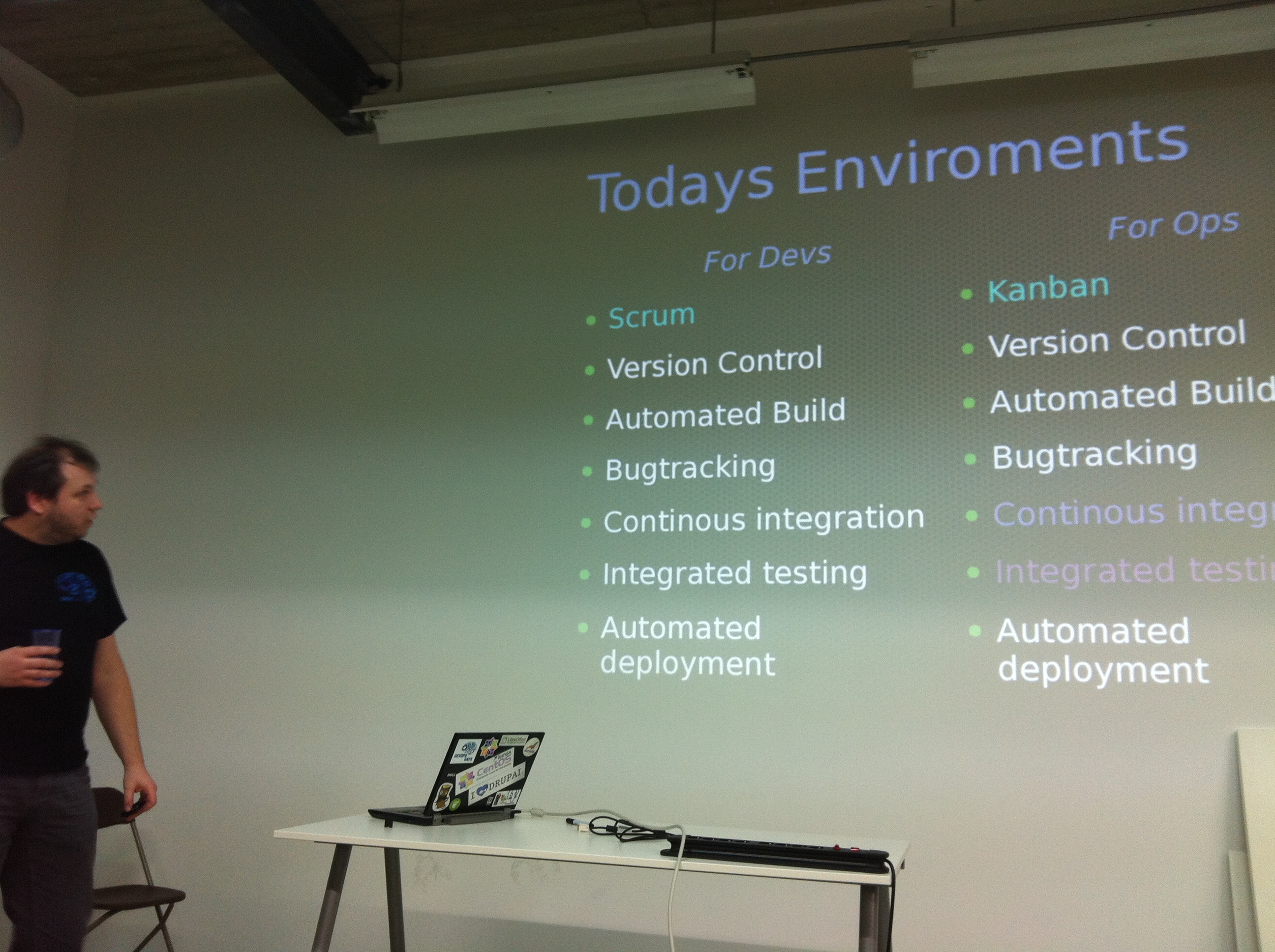
Devops the Future is Here
The final presentation was by Kris Buytaert from INUITS.
Kris had a really interesting talk about Devs (software development) and Ops (IT-Operations) and how the two should start working together. “DevOps” is an emerging set of principles, methods and practices for communication, collaboration and integration between the two.
Look here for all the details!
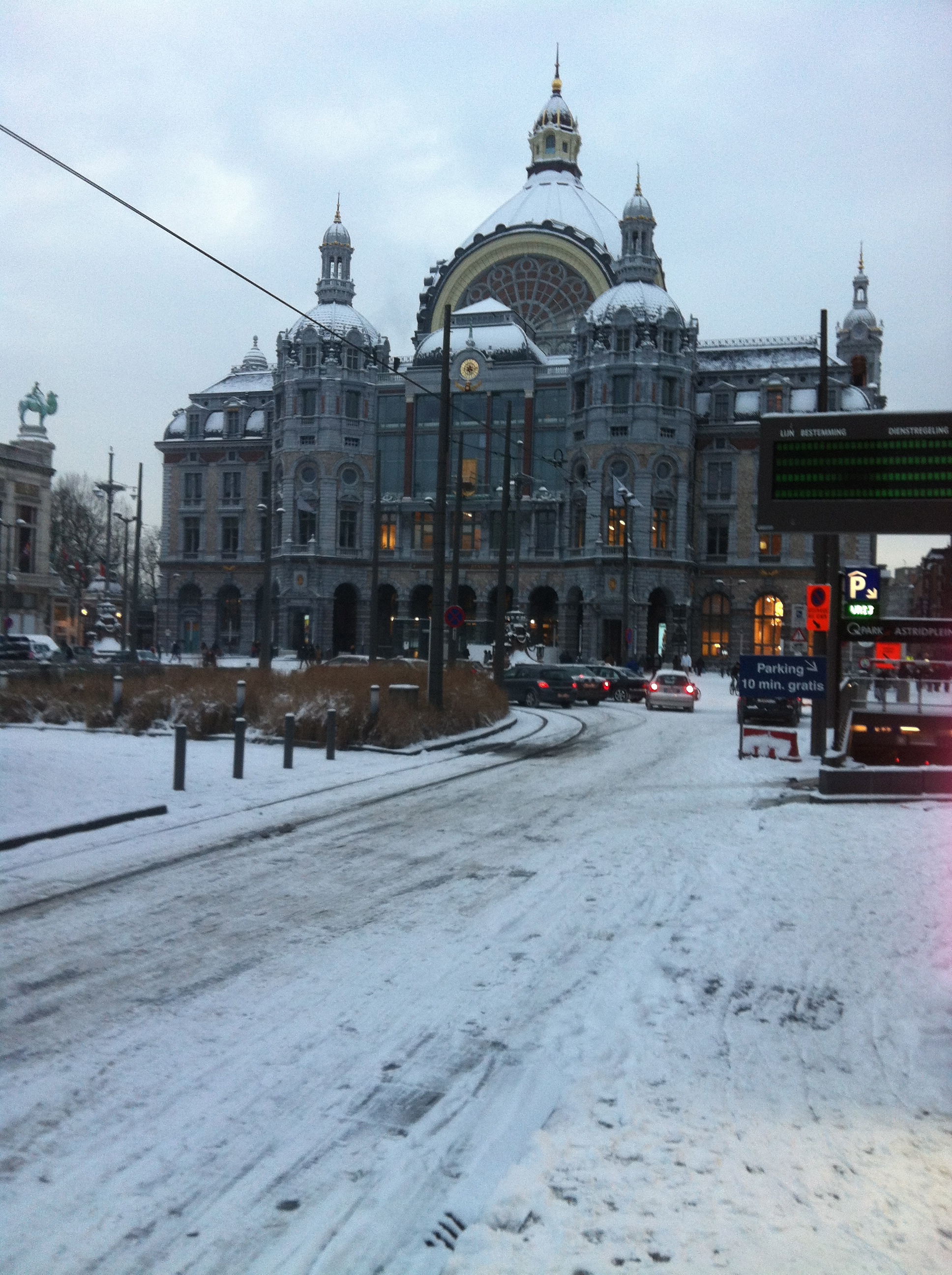
Snow in Antwerp
When we came outside there was a nice little surprise for us there.. All of Antwerp had become white! That was some sort of a challenge to get back to The Netherlands, since many trains were delayed or cancelled.
After having a nice dinner at Antwerp we managed to get a train and only 4 hours later we were home 😉
It was an inspiring day and I’ve learned a lot. It motivates me to get our CloudStack cloud ready and implement it the way a Cloud is meant to be.
Thanks guys!




 Remi Bergsma's blog